Warning – Please regularly inspect the laptop mount for cracks or damage.
Outside Left
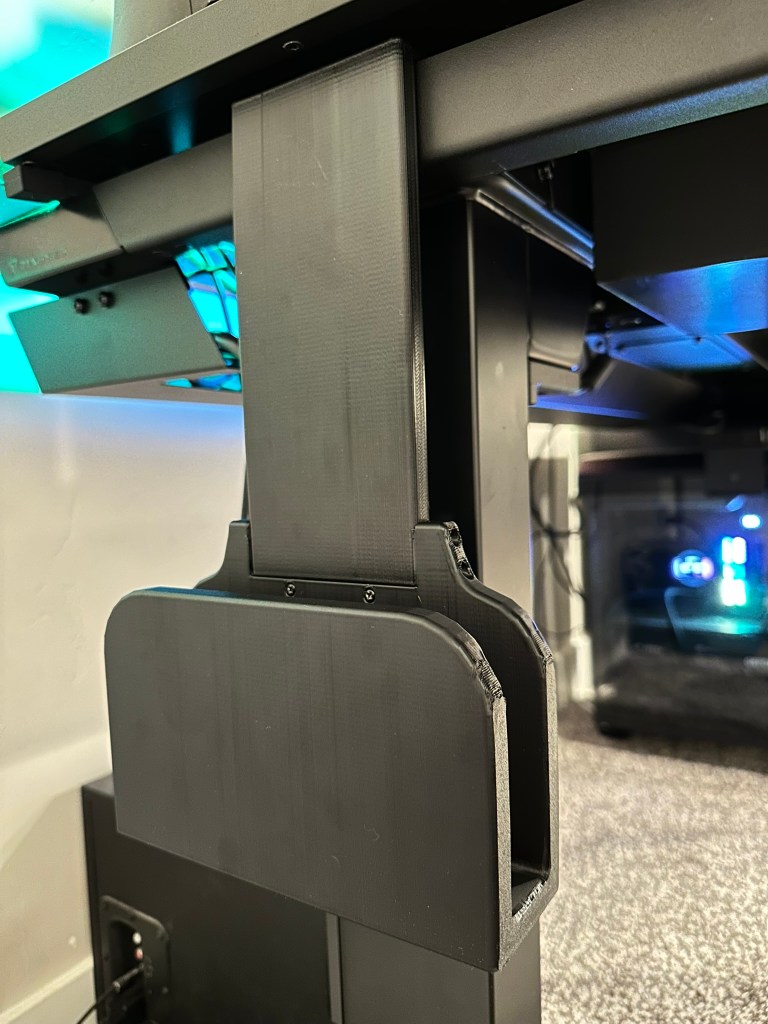
The outside mount has a hook that slides into the slot at the top of the desk as shown. Insert it in the slot and pull down. This fits best on the left side of the desk. See next section for right side.
Outside Right
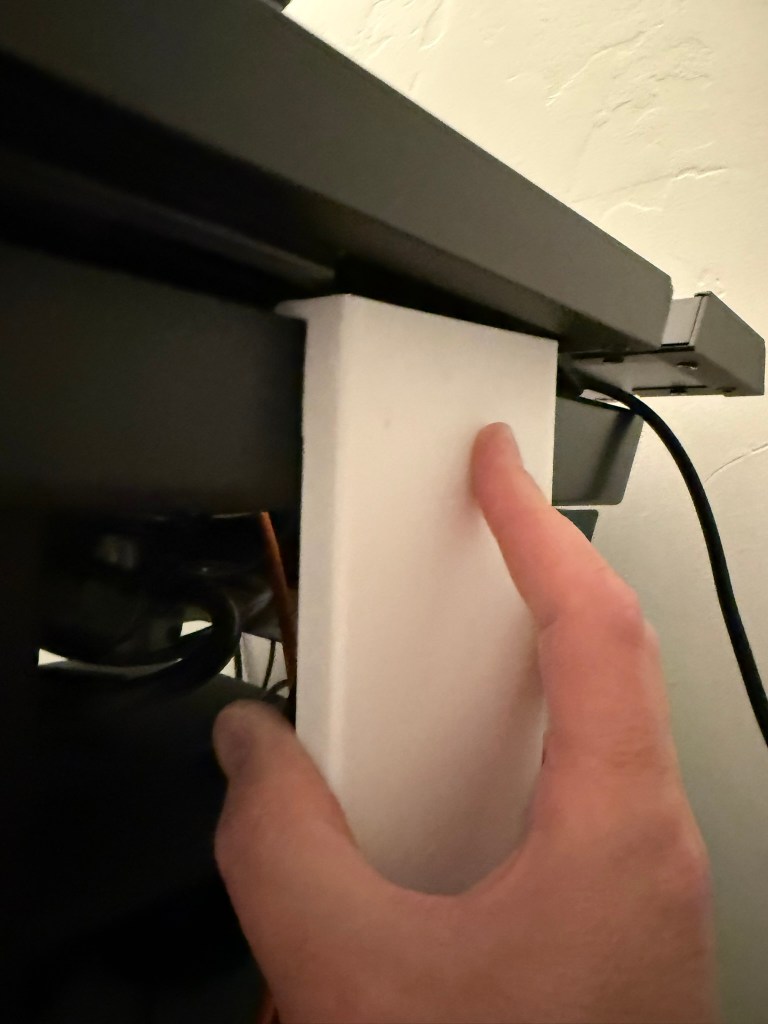
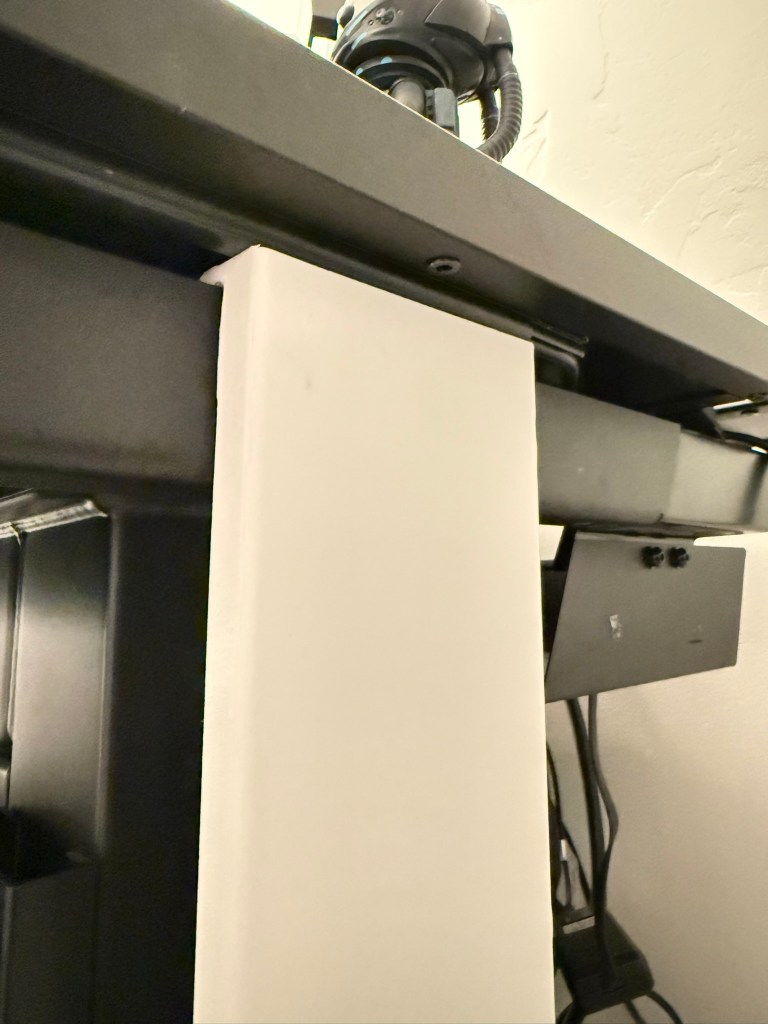
The Right side of the desk has a cable channel that makes it a bit harder to get in place. Insert it at the back of the rail. Carefully pull the front corner down and slide it under the cable channel. Slowly slide it to the center of the rail. It will be a bit tight but should loosen up over time.
Inside
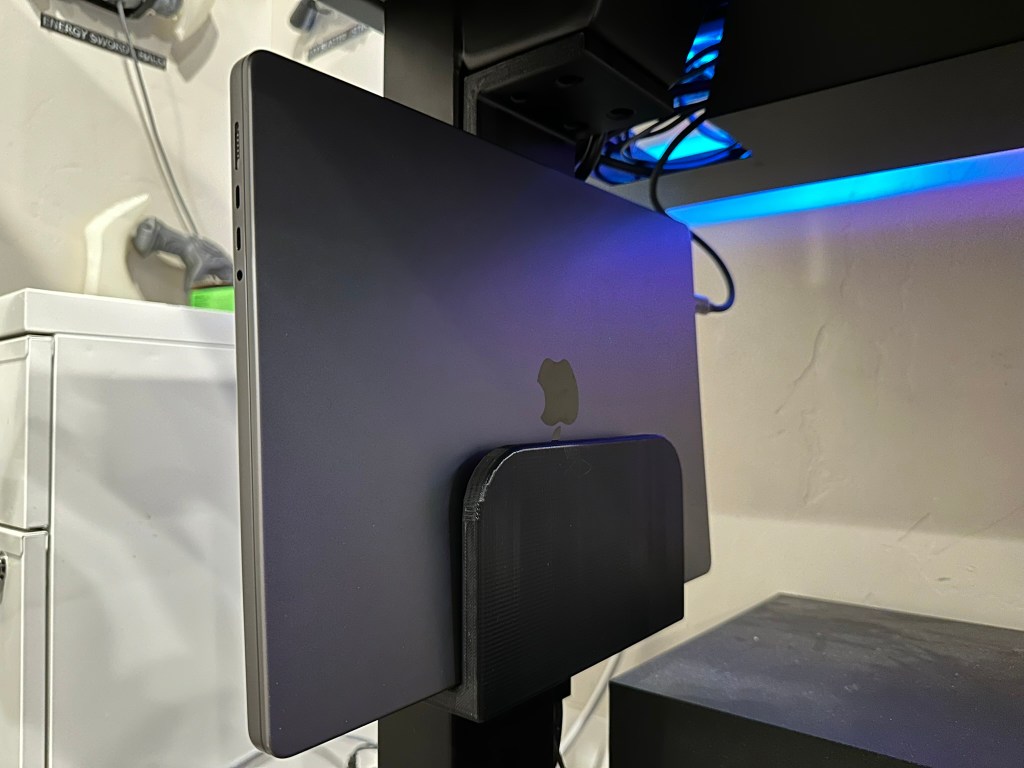
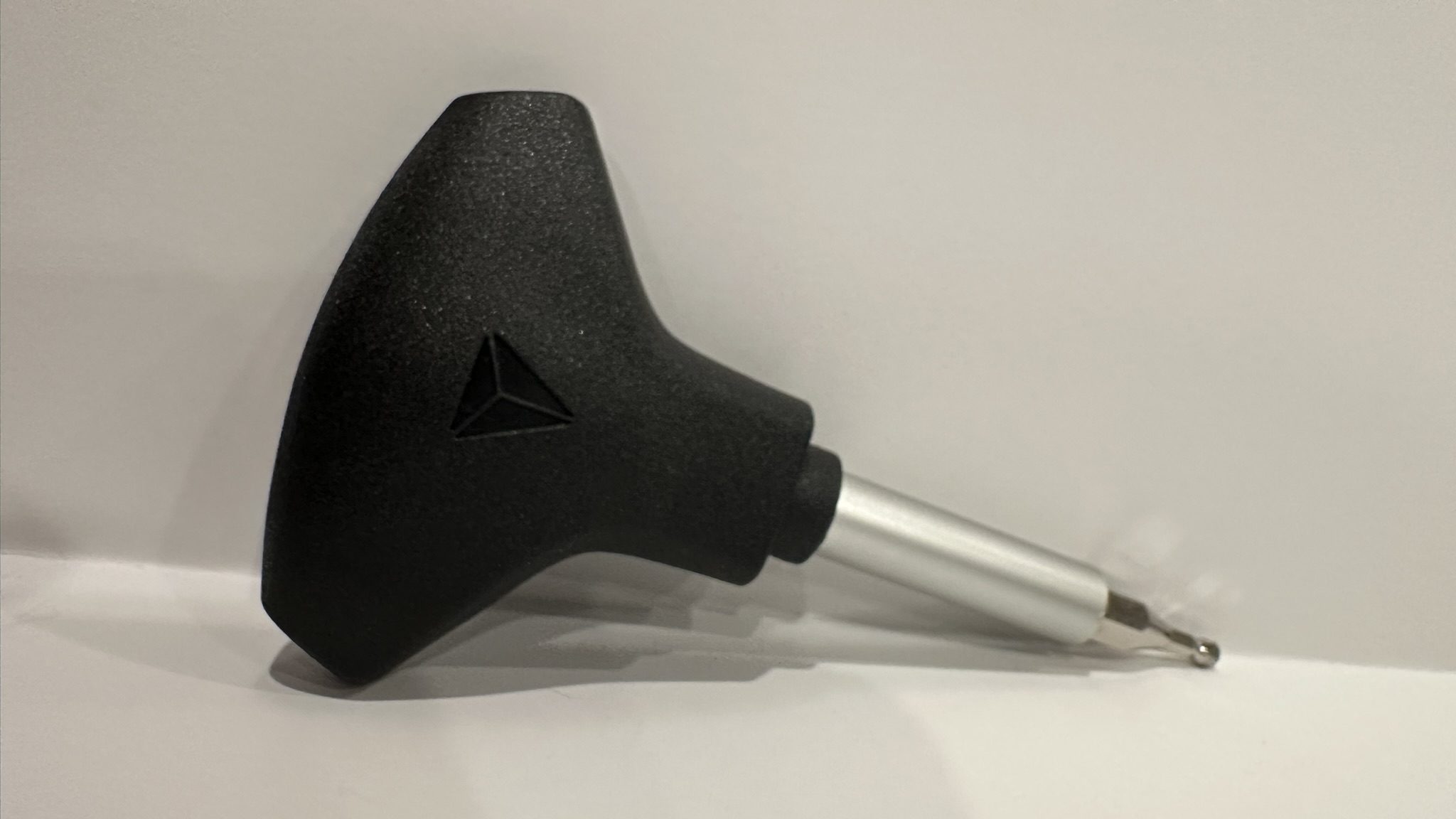
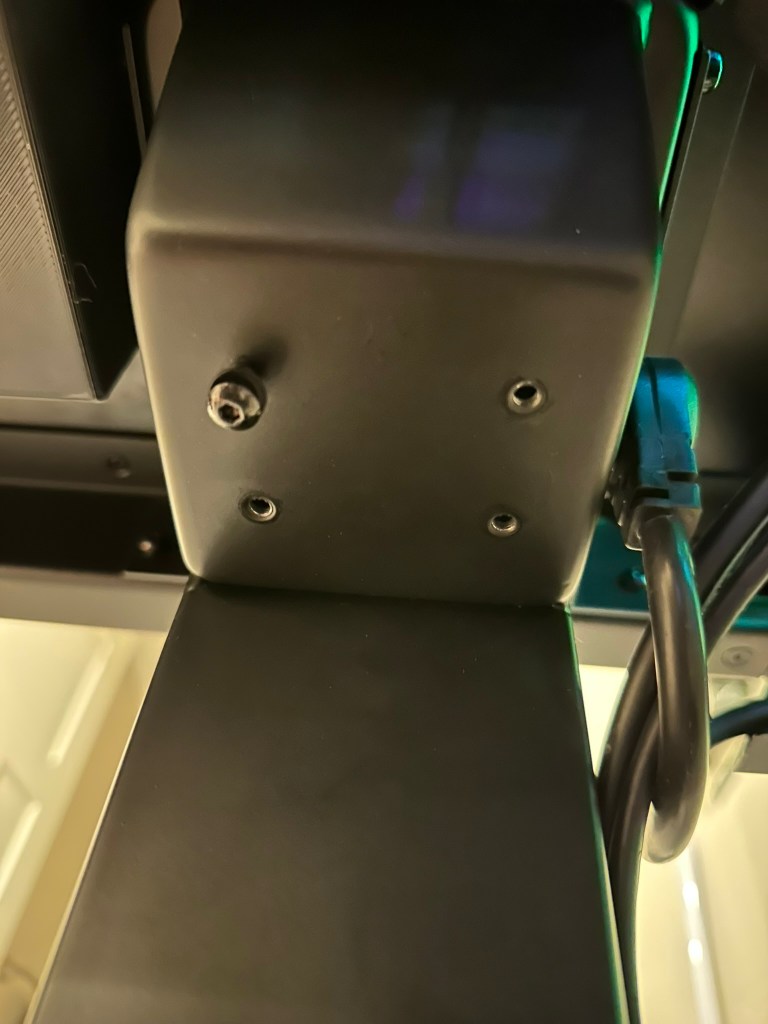
The inside mount mounts to the PC mounting holes on the left or right sides of the desk. For the next step use the Hex tool you got with the desk. Or use an M5 Allen wrench. Remove the 4 screws under the desk as shown.Attach the laptop mount with the 4 screws.



 Cyberforge